What people mean by "DeX"
When a Galaxy owner plugs into a monitor, the screen stops being a copy of the phone. It becomes a desktop with a taskbar, a pointer and windows that can be stacked, overlapped and resized. The monitor runs at its own resolution, apps lay themselves out for it, and keyboard shortcuts work as you'd expect. That's the experience people search for when they type "DeX for iPhone".
How close the Duo gets on its own
Closer than earlier iPhones, but only on the phone itself. Split View lets the inner screen show two apps next to each other, two windows of the same app, or a saved pair. The ceiling is two panes, and none of it changes what a monitor receives.
Connected to a display, the Duo mirrors. The near-square inner screen lands in the middle of a 16:9 panel with empty bars on both sides, the two apps keep their phone layout at a larger size, and the phone and monitor show the same thing. There is no taskbar, no third window and no way to drag anything around.
| On the external display | Samsung DeX | iPhone Duo, no app | iPhone Duo with XeOS |
|---|---|---|---|
| Uses the full screen | Yes | No | Yes |
| Windows at once | Many | Two | Many |
| Resizable, overlapping windows | Yes | No | Yes |
| Taskbar or dock | Yes | No | Yes |
| Any installed phone app in a window | Yes | No | No |
There's no hidden switch for this. Apple hasn't shipped a desktop mode for any iPhone, foldable included. If you want the full rundown of what the Duo supports, read our iPhone Duo desktop mode explainer.
Where XeOS comes in
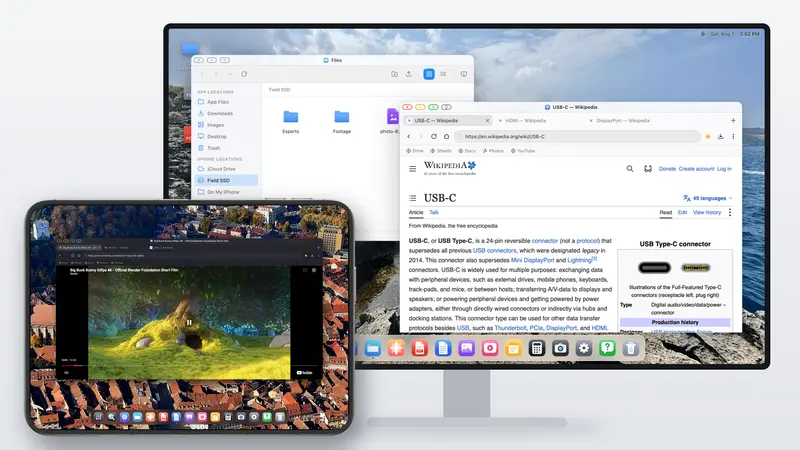
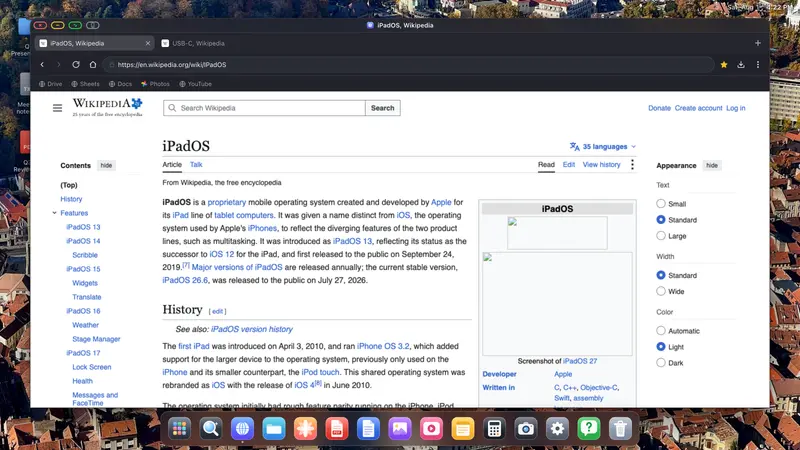
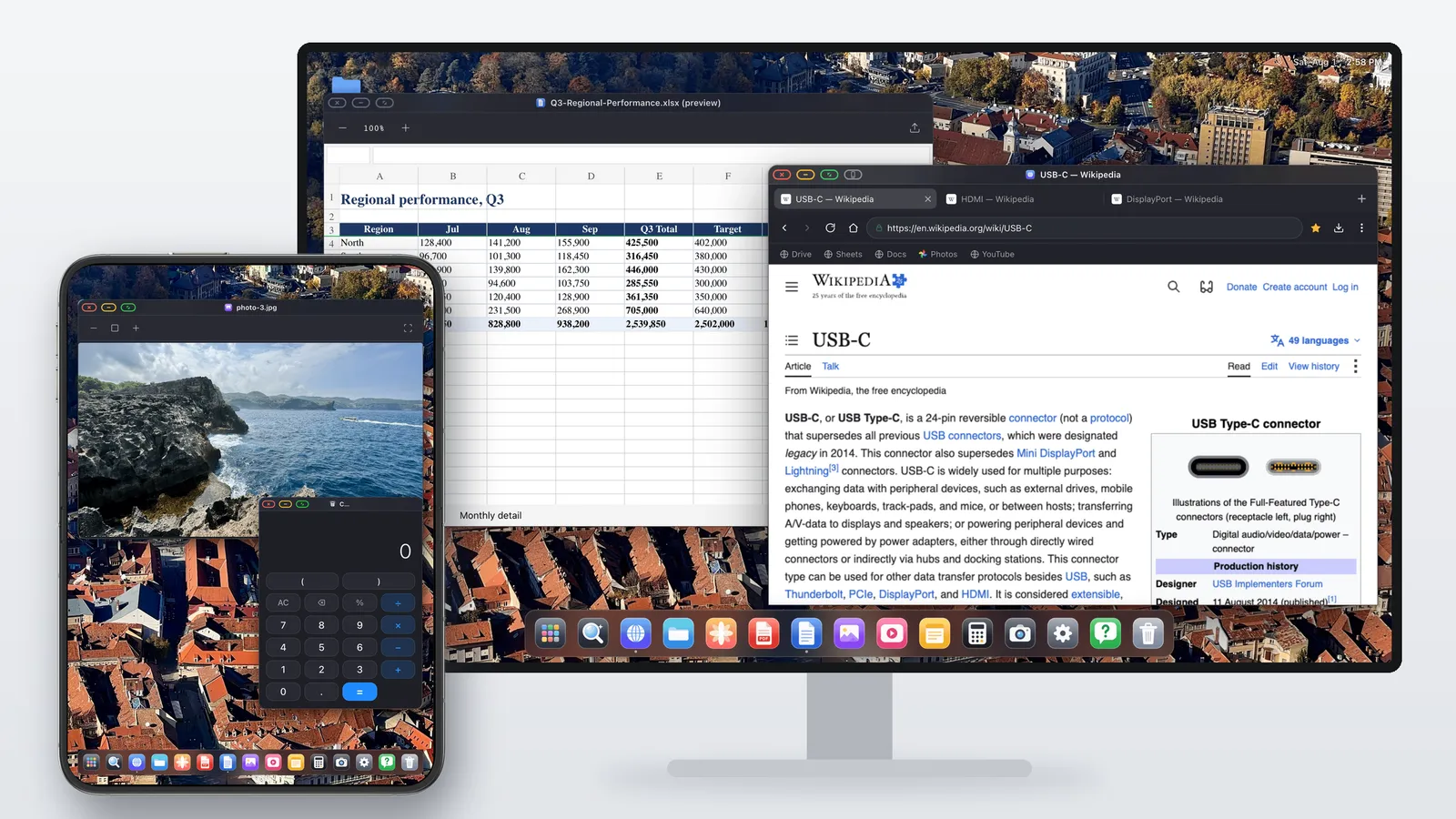
XeOS is the desktop the Duo is missing. It takes over the external display and draws its own environment there at the display's native resolution, so the picture fills the screen with no black bars. You get windows, a dock, a file manager, a desktop browser and a set of built-in apps.
With the 2.8 update, the Duo gets something DeX doesn't normally offer a phone. The inner screen doesn't just act as a touchpad: XeOS can treat it as a second display with its own windows. Keep your main work on the monitor and a video, a chat or reference material on the Duo, and drag windows across when you want them bigger or out of the way. Pair a mouse and a single pointer moves across both screens.
The DeX checklist
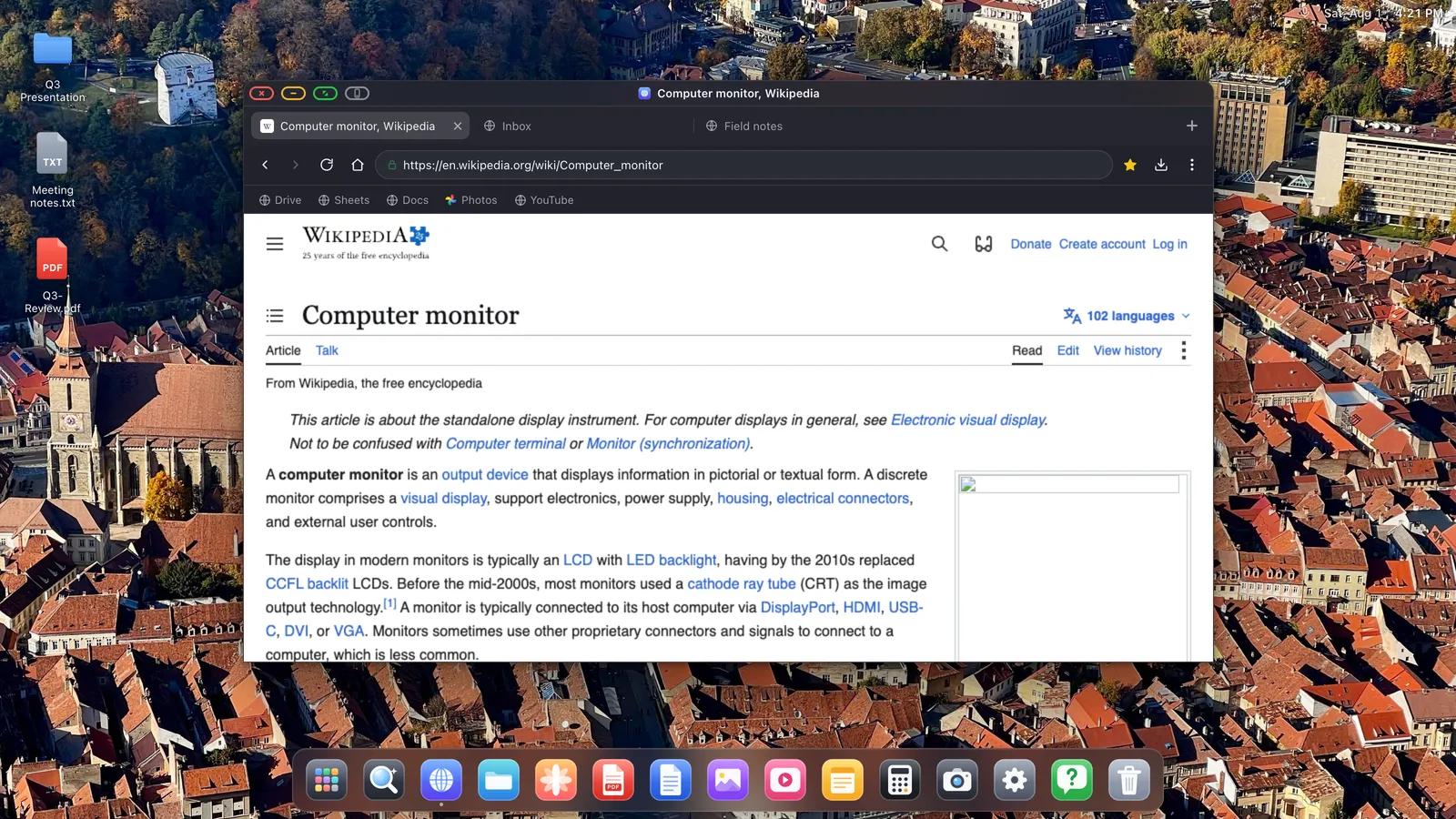
- Window management: move, resize, snap or go full screen; switch with Control + Tab or see everything in the overview.
- A real browser: tabs, bookmarks bar, downloads, a password manager, reader mode and an ad blocker that's on from the start.
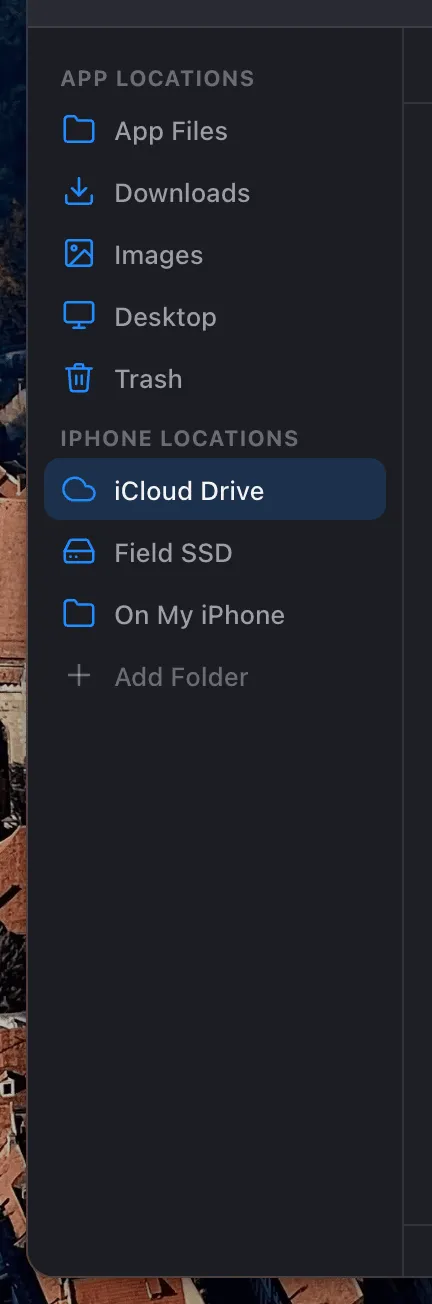
- Files: iCloud Drive, folders on the phone and USB drives side by side in one sidebar.
- Office work: annotate and sign PDFs, preview Word, Excel and PowerPoint files, and copy cells from spreadsheets.
- Web apps: install Gmail, Docs, Sheets or YouTube to the dock so each opens in its own window.
- Search: Control + Space finds apps, files, events and your clipboard history.
- Play: video sites full screen on the TV, and Xbox Cloud Gaming, GeForce NOW or Amazon Luna with a controller.
The honest difference
DeX is built into Android, so any Android app can open in a window. On iOS, no app is allowed to run another app inside it, so your iPhone apps can't appear in XeOS windows. XeOS fills that gap with its own apps and the web. For email, documents, spreadsheets, browsing and video, that is most of a working day.
Docking the Duo, step by step
- Connect the monitor with a USB-C to HDMI cable or adapter, a USB-C cable into a USB-C monitor, or AirPlay.
- Open XeOS. It finds the display and puts its desktop there in landscape.
- Unfold the Duo so the inner screen can work as the second display.
- Pair a mouse and keyboard in iOS Settings, or use the phone's screen as a trackpad.
- Put your daily sites in the dock so they open like apps.
Before you switch
Does Apple make a DeX equivalent for the iPhone Duo?
No. The Duo mirrors to an external display, and Split View stays on the phone.
How do I get DeX-style desktop mode on the Duo?
Install XeOS. It puts a desktop with windows, a dock, a browser and a file manager on the monitor, and can use the inner screen as a second display.
Is the iPhone Duo required?
No. The desktop on the monitor works on any iPhone or iPad that can output video. Using the inner screen as a second display is what's specific to the Duo.
Can I use my iPhone apps in XeOS?
No. iOS doesn't allow one app to host another. You use XeOS's apps and any website, which you can install to the dock.
Does it work with a TV?
Yes. Monitors, TVs, projectors and portable displays all work.