What was expected
For a couple of years, reports pointed to a Stage Manager-style mode for USB-C iPhones on an external display: windows, using the whole screen, Apple's answer to Samsung DeX. It became one of the most searched-for iOS features.
It never arrived. Unfinished code that could be coaxed into showing something like it was found in iOS 26.1, and that path was closed again in the iOS 26.2 betas. Unshipped code means someone was working on it. It doesn't mean you can use it.
What each device does today
| Device | Connected to a monitor, out of the box |
|---|---|
| Any iPhone | Mirrors the phone. A few apps, like video players and Keynote, use the screen themselves. |
| iPad without an M-series chip | Mirrors the iPad. |
| iPad with an M-series chip | Stage Manager: an extended desktop with windows. |
So a desktop on an external display is something Apple keeps for its most expensive iPads. Every iPhone mirrors.
Why mirroring makes a poor desktop
The iPhone screen is tall, about 19.5:9, and monitors are wide, 16:9. Mirroring copies the tall picture onto the wide panel and fills the gap with black, so a large part of the monitor goes unused. What's left is laid out for a phone in your hand, not a screen across the desk: one app at a time, touch only, a mobile browser.
Getting desktop mode now
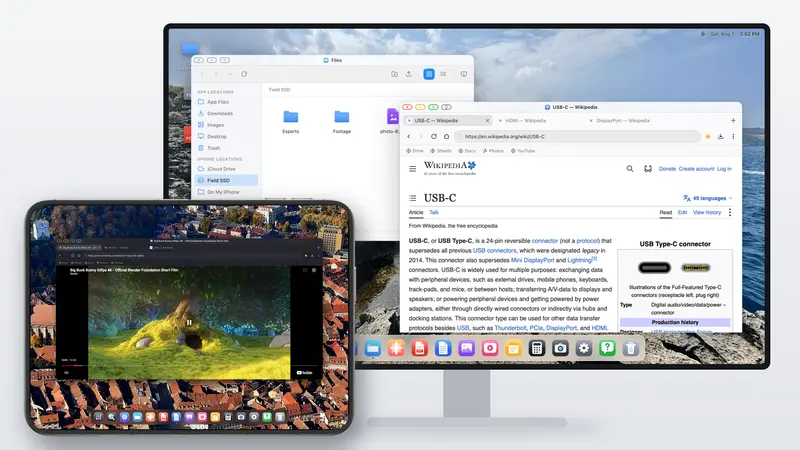
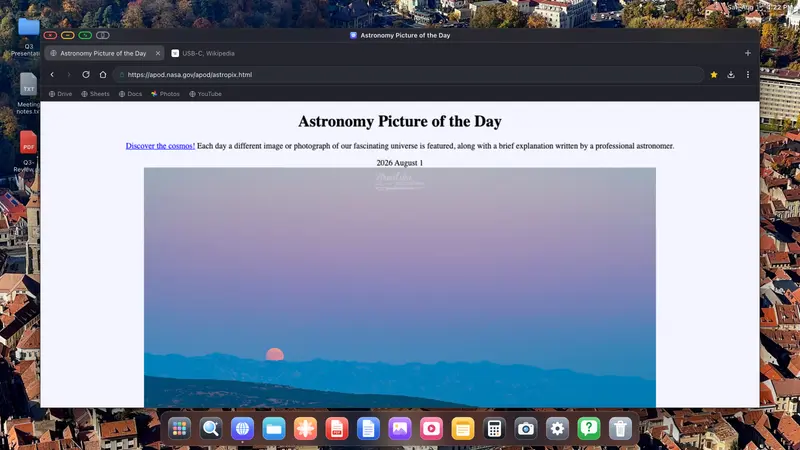
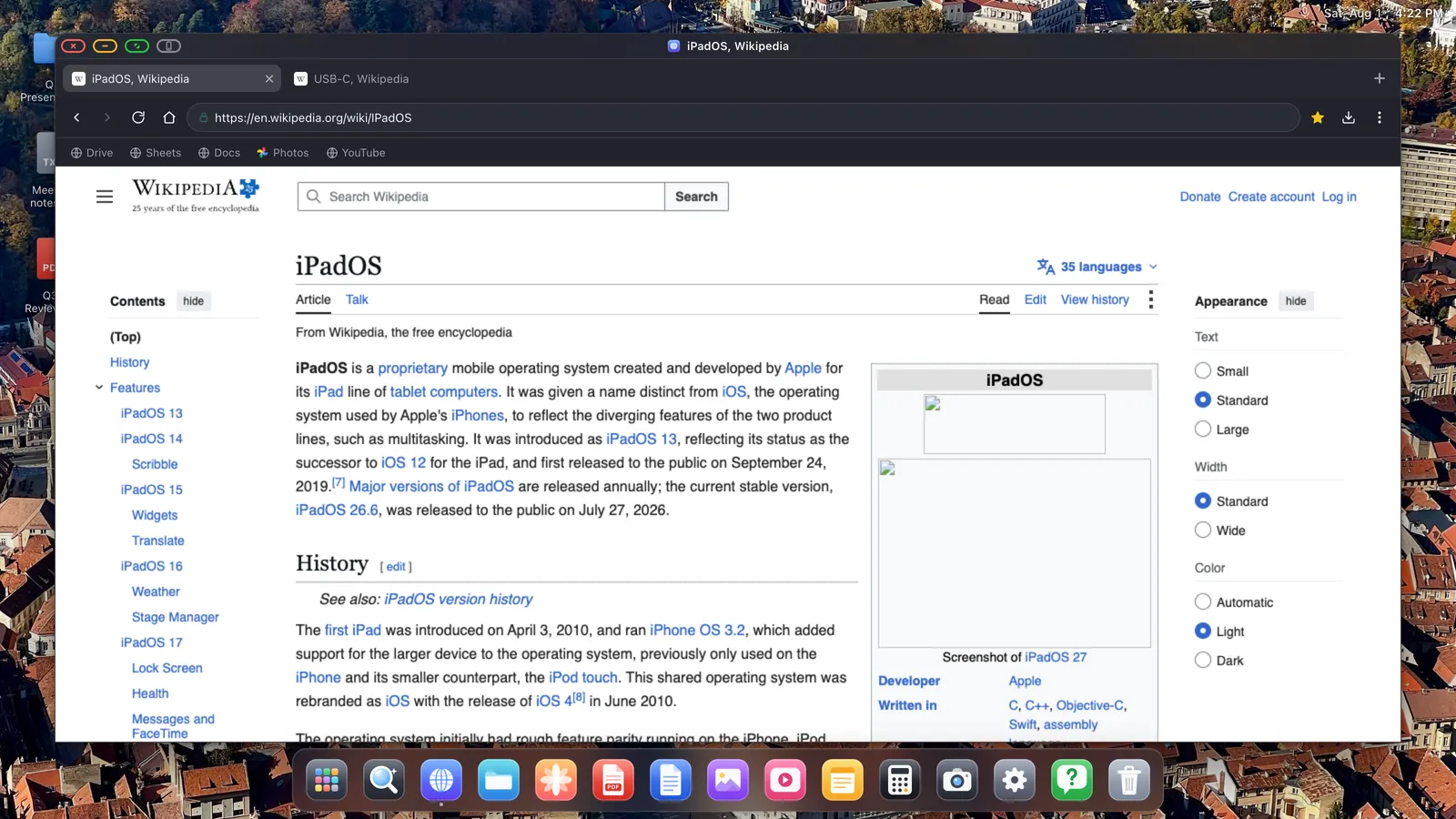
Instead of waiting, you can run XeOS. It doesn't mirror the iPhone. It draws its own desktop for the external display, in landscape and at the display's resolution, and uses the phone as the trackpad. You get:
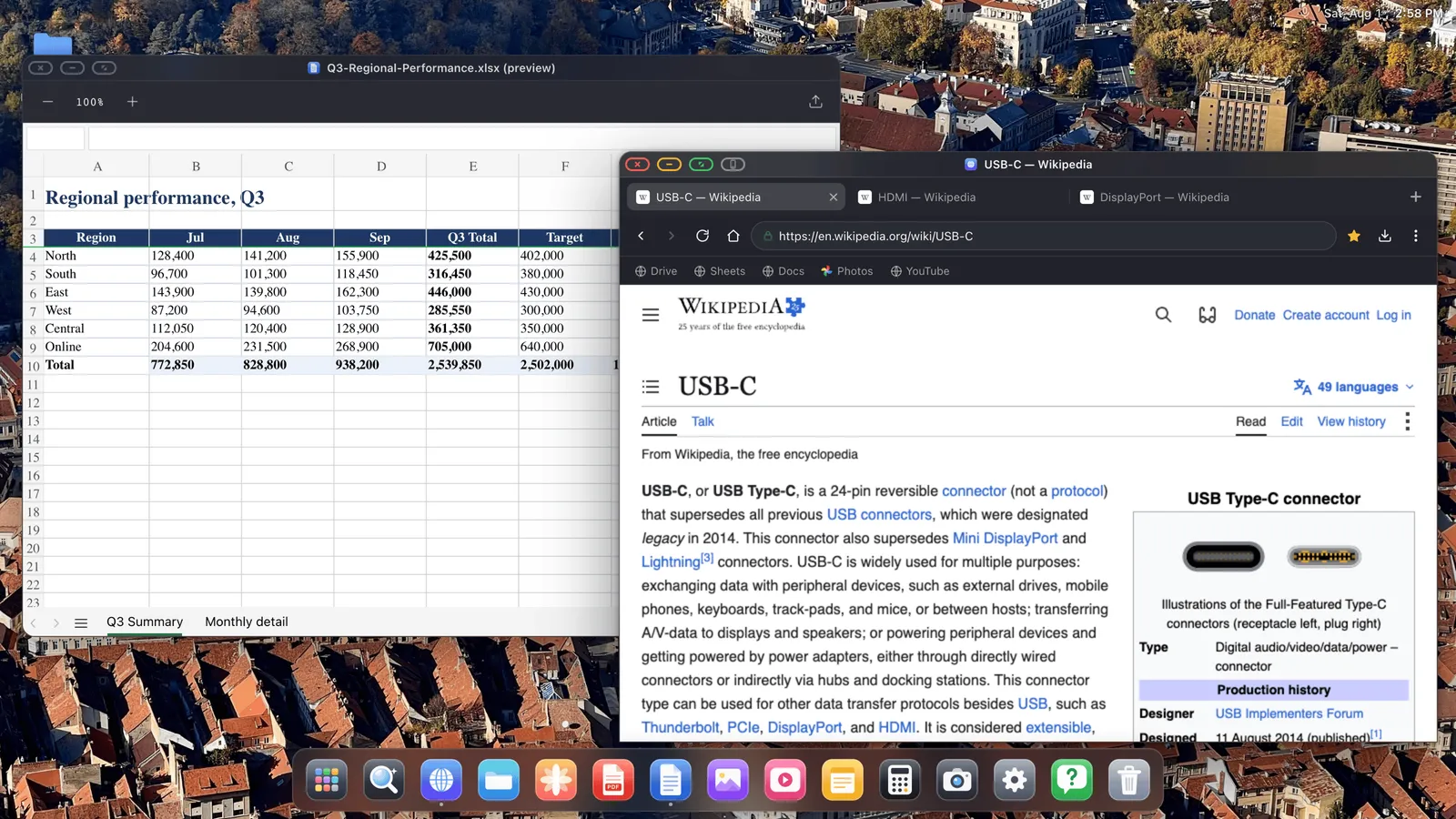
- Windows you can move, resize and stack, with a dock to switch between them.
- A desktop browser with tabs, bookmarks, saved passwords, downloads and a built-in ad blocker.
- Full-screen video at the display's resolution, without letterboxing.
- Files with iCloud Drive and USB drives, a PDF editor, and Word, Excel and PowerPoint preview.
- Websites installed as apps, each in its own window.
- A Bluetooth mouse and keyboard, the phone as a trackpad, or the iPhone as an Air Mouse.
Because XeOS draws everything itself, it doesn't depend on Stage Manager or an M-series chip. Every iPhone that can output video gets it, and so does every iPad, including the ones Apple left out.
What to know first
XeOS is a desktop environment, not iOS on a bigger screen. Your other iPhone apps don't run inside it, because iOS doesn't allow one app to host another. What runs is its own apps, the browser, and any website you install, which covers most of what people do at a computer.
A few page elements, such as some sign-in boxes, payment fields and cookie banners, are built to resist input that doesn't come from the device's own screen. For those, one button hands the page to your iPhone for a single tap and brings it straight back.
Will Apple ship it later?
Perhaps. iOS 27 added Split View, but only on iPhone Duo and only on its own screens; an iPhone connected to a monitor still mirrors. Whatever Apple ships will probably be limited to recent USB-C hardware and to windows rather than a full desktop. If you have a monitor and an iPhone today, you don't have to wait. For what changed in the next release, see iOS 27 desktop mode.
Questions people ask
Is there a desktop mode in iOS 26?
No. Unfinished code turned up in iOS 26.1 and was closed off in the 26.2 betas. Nothing shipped.
Is there anything like Samsung DeX on iPhone?
Not from Apple. An app that draws its own desktop, like XeOS, is the way to get it. See Samsung DeX for iPhone.
Which iPads extend instead of mirroring?
Only iPads with an M-series chip, through Stage Manager. The others mirror, but they can run XeOS.
What do I need to connect?
A USB-C to HDMI cable for USB-C iPhones, the Lightning Digital AV Adapter for Lightning models, or AirPlay.