The one multitasking feature the Duo got
iOS 27 was rebuilt around the Duo's larger inner display, and the multitasking upgrade that came with it is Split View, the same idea the iPad has had for years. You put two apps next to each other, drag the divider to change their widths, open two windows of the same app if you want, and save a pair to bring back later.
That is the complete list. Apps don't float, they don't overlap, there is no third pane and there is no Stage Manager. Think of it as a phone that can be split in half, not a computer that folds.
Plug in a monitor and nothing new happens
Connect the Duo over USB-C and the monitor shows exactly what the phone shows. Apple talks about video mirroring and video output for the Duo; an extended desktop isn't part of it.
- The shape is wrong for the screen. Unfolded, the inner display is close to square. A 16:9 monitor or TV gets that square in the middle and black on the left and right, so the picture is never full screen.
- The layout is for your hands. Split View appears on the monitor as the same two panes, enlarged, with phone-sized spacing and controls.
- You don't gain a screen. Phone and monitor show one picture between them, so the second display adds size, not space.
A few apps, mostly video players and presentation tools, put their own content on the external display. That depends on each app. iOS itself never puts a desktop on the monitor when you connect the cable.
Split View against a real desktop
| On a monitor | Duo with stock iOS 27 | Duo with XeOS |
|---|---|---|
| Fills the external display | No, a mirror with black sides | Yes, at the display's own resolution |
| Apps on screen at once | Two | As many windows as you open |
| Free moving and resizing | Only the divider | Move, resize, overlap, snap |
| Inner screen and monitor | Same picture on both | Two separate workspaces |
| Dock and file manager | No | Yes |
So Split View makes the Duo a better phone, and that's all it was designed to do. Apple still has no desktop mode for any iPhone, which we covered in our look at iOS 27.
Two screens, one desk: the Duo with XeOS
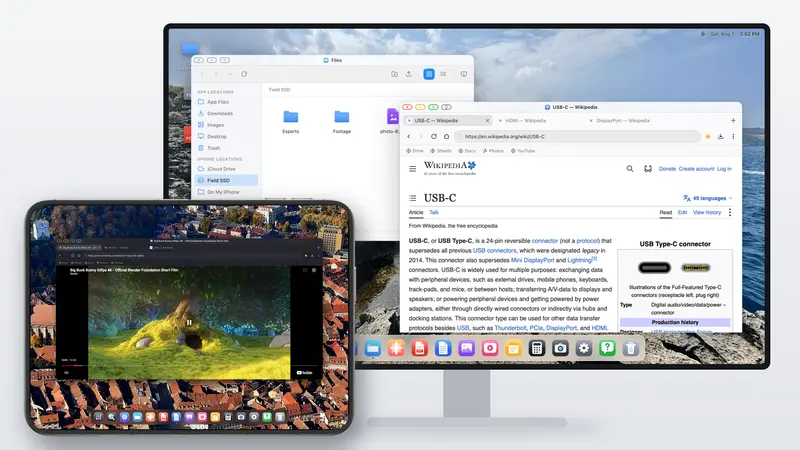
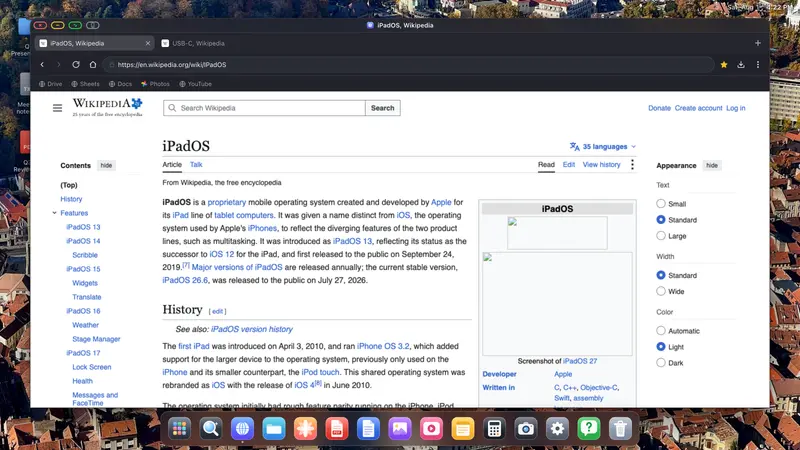
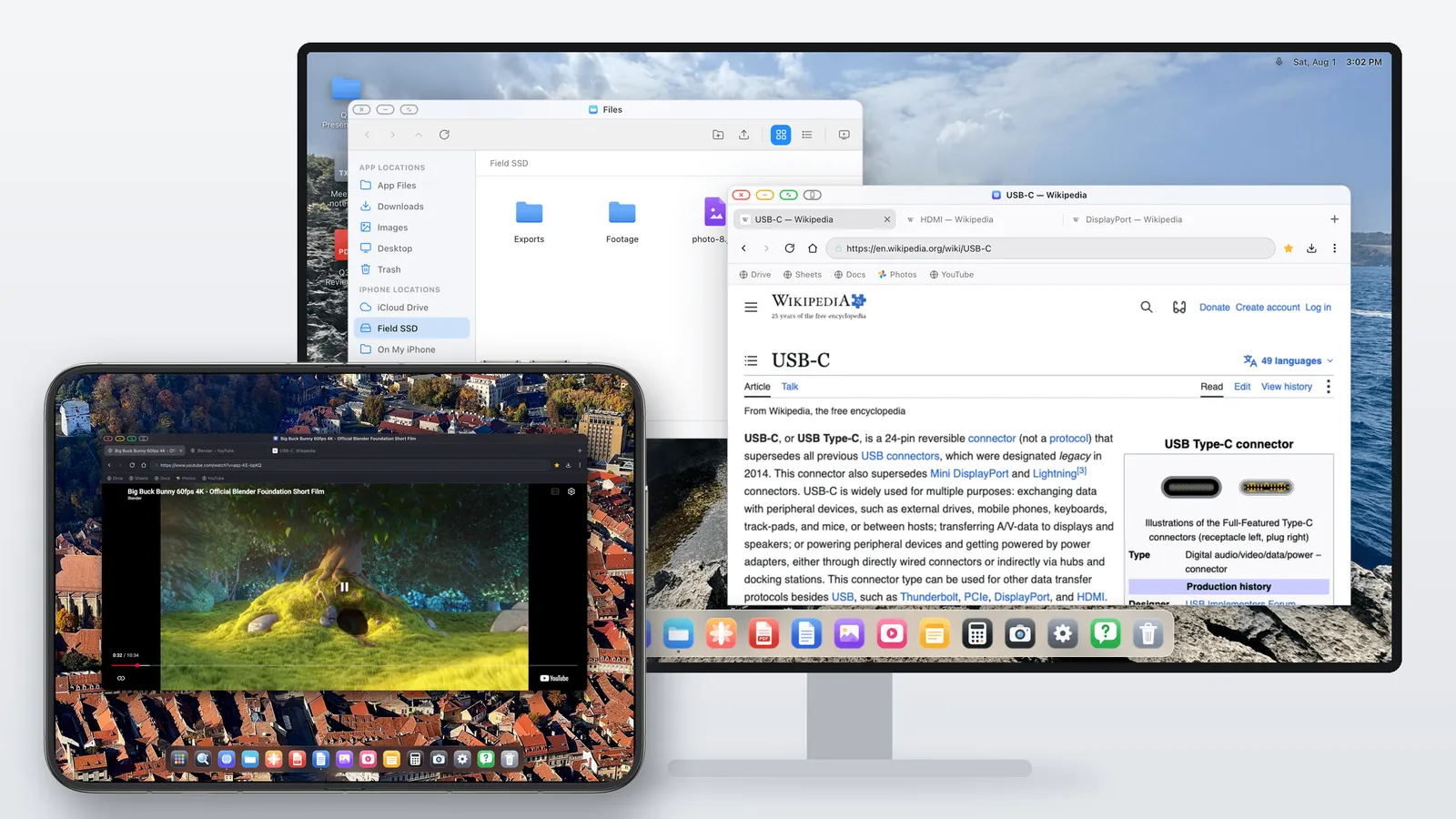
Since iOS won't draw anything for the monitor, an app has to. XeOS takes over the external display and draws a whole desktop on it, edge to edge, with windows, a dock and its own apps. Version 2.8 brought that desktop mode to the iPhone Duo and added something no other iPhone can do: the inner screen becomes a second display beside the monitor.
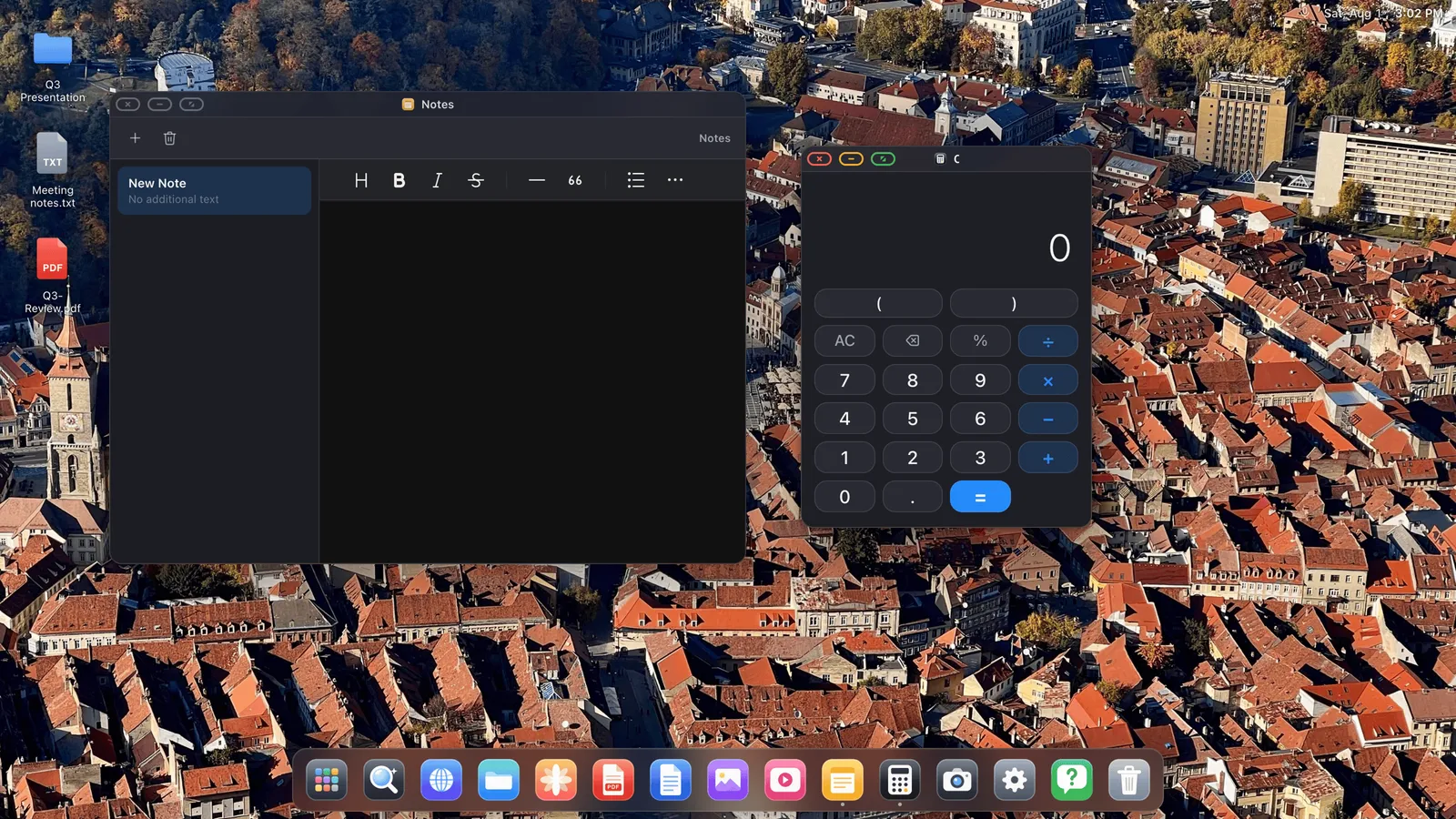
Picture a hotel desk. The TV holds a spreadsheet and the browser. The unfolded Duo, propped up next to it, holds your notes and a calculator. Need the notes bigger? Drag the window off the Duo and onto the TV. With a Bluetooth mouse, the pointer travels from one screen to the other the way it does between two monitors on a computer.
What each screen can run
- A desktop browser with tabs, a bookmarks bar, downloads, saved passwords, reader mode and a built-in ad blocker.
- Files from iCloud Drive, the phone itself and USB drives, in a file manager with ZIP archives and a Trash.
- Documents: a PDF editor for annotations, forms and signatures, and previews of Word, Excel and PowerPoint files.
- Media: YouTube and other video sites full screen at the display's resolution, plus cloud gaming with Xbox Cloud Gaming, GeForce NOW or Amazon Luna and a controller.
- Websites as apps: install Gmail, Docs or anything else to the dock and it opens in its own window.
Moving between windows works like a computer too. Control + Tab cycles through what's open, and the overview lays every window out at once.
The limit worth knowing
XeOS is its own environment. iOS doesn't let one app host another, so your other iPhone apps stay on the iPhone side and don't open in XeOS windows. What you get on both screens is XeOS's built-in apps and the whole web, which covers most work at a desk: email, documents, spreadsheets, video and calls.
Duo questions, answered
Is Split View on the iPhone Duo a desktop mode?
No. It puts two apps side by side on the phone, and an external display only shows a larger copy of that.
Can I get desktop mode on the iPhone Duo?
Yes, with XeOS. It draws a desktop with resizable windows, a dock, a browser and a file manager on the monitor, and can use the inner screen as a second display.
Can windows move between the monitor and the Duo?
In XeOS, yes. Drag a window from one screen to the other, and with a mouse paired a single pointer moves across both.
Does the Duo have Stage Manager?
No. On an external display, Stage Manager is still only available on iPads with M-series chips.
How do I connect it?
A USB-C to HDMI cable or adapter, or a USB-C cable into a monitor that accepts video over USB-C. AirPlay works without a cable.